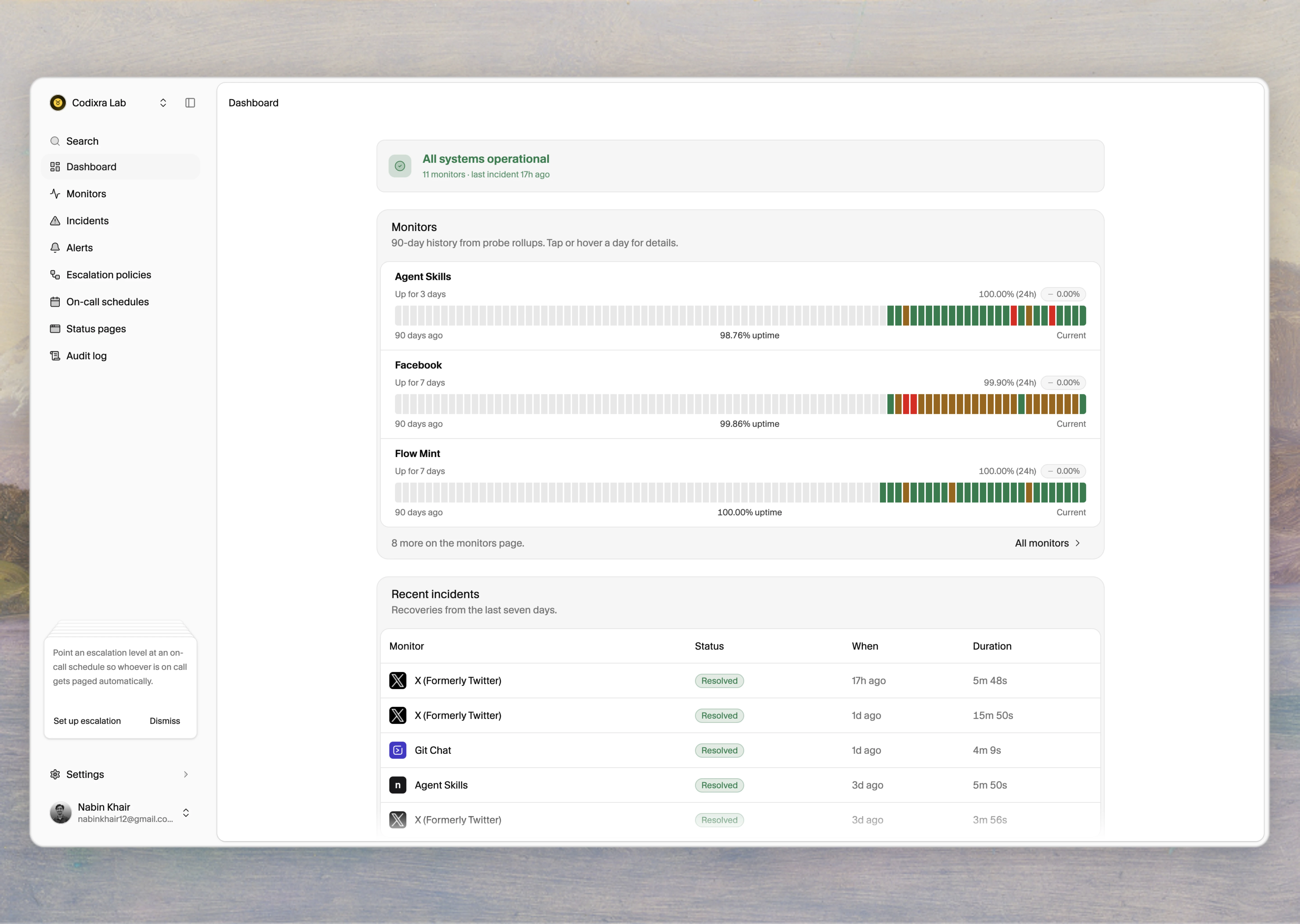
Tallwatch sends an alert when multiple regions agree a check has failed. Where the alert goes is up to you: every workspace ships with seven channel types you can mix per monitor or per escalation policy. This site is the customer reference. It covers how each channel works, what to paste where, and the exact shape of the webhook payload.Documentation Index
Fetch the complete documentation index at: https://docs.tallwatch.com/llms.txt
Use this file to discover all available pages before exploring further.
What you can wire up
Slack
Incoming webhook URL. Renders a structured incident card in any channel.
Discord
Incoming webhook URL. Embed-style alerts in your server.
Microsoft Teams
Workflow webhook. Adaptive Card per incident event.
Telegram
Bot token and chat ID. Plain-text alerts for groups or individuals.
One channel can hold up to 50 recipients. Resend on the back end.
PagerDuty
Events API v2 integration key. Triggers and auto-resolves on recovery.
Webhook
HMAC-signed POST to any URL. Customise the body with Handlebars.
How channels fit into the alert path
Every monitor evaluates the consensus rule and writes anincident_events row on every state change. The notifier then fans out to the channels configured on the monitor’s escalation policy. One row of alert_dispatches is written per (event, channel) so you can audit which channels fired and which were rate-limited.
Create a channel
Pick a channel kind, paste the credentials, click Save. Use the Send test alert button to confirm the channel works.
Bind the channel to a policy
Create or edit an escalation policy. Add the channel as a level-0 target so it fires the moment an incident opens. Optionally add later levels with timeouts that escalate to on-call channels.
If a monitor has no escalation policy, the notifier falls back to every enabled channel in the workspace. That keeps brand-new workspaces useful — the auto-created Default Alerts email channel always fires until you build a policy. Configure a real policy as soon as you have more than one channel.
Delivery guarantees
Every channel runs through the same dispatcher. The promises hold across all seven kinds.At-most-once per event
The
alert_dispatches table has a unique index on (incident_event_id, channel_id). A retry never produces a duplicate alert on the same channel.Channel rate limit: 1 per 30 s
Excess events on the same channel are queued for retry, not dropped. A stuck rate limit caps at 5-minute backoff and keeps trying.
Dependency suppression
If a monitor depends on another monitor and the dependency is already down, the alert is logged but not delivered. Reduces alert storms during shared outages.
Maintenance suppression
Inside an active maintenance window the consensus worker does not flip state, so no incident opens and no alert fires.
Where to go next
Channels overview
Pick the right channel for the noise level you want.
Default Alerts
Why your workspace already has an email channel, and how to opt out.
Webhook payload
The exact JSON shape Tallwatch POSTs to your webhook URL.
Verify a webhook signature
HMAC-SHA256 snippets in Node, Go, Python, and Ruby.